Eliminating Stockouts for Stock Controllers
Full Visibility for Higher Margins
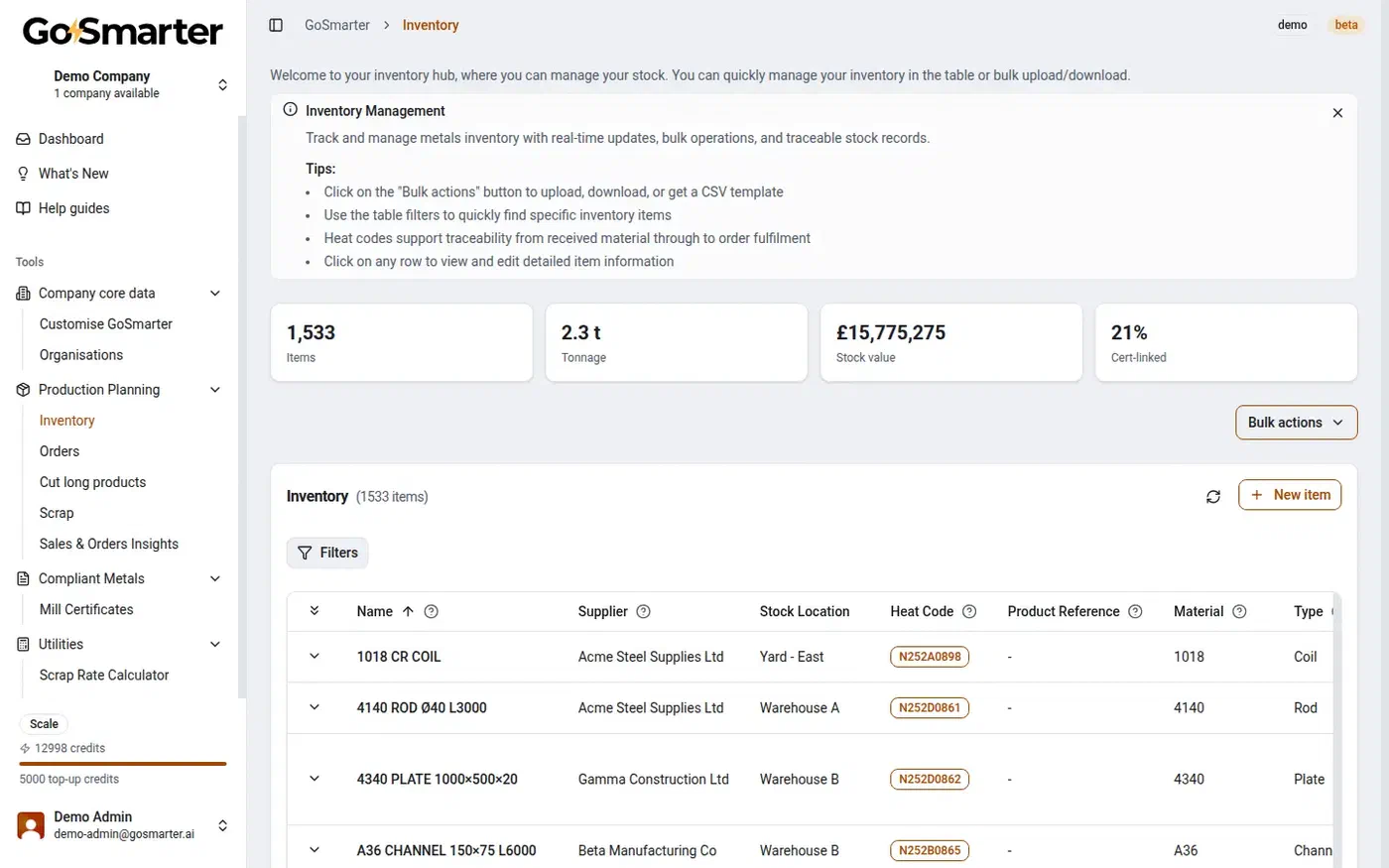
Know exactly what stock you have, where it is, and what it is committed to. Eliminate manual stock-checks and out of date spreadsheets.
Key Capabilities
Real-Time Stock Visibility
Know exactly what material you have on hand, including location and status, without walking the yard to count it.
Material Tracking
Follow material from goods-in to despatch with no gaps in the trail. Every movement logged, every location recorded.
Commitment Management
See what stock is allocated to live orders so you know what is genuinely available for new work.
Reorder Alerts
Get notified when stock falls below defined thresholds before it becomes a production stoppage.
ERP & Inventory Integration
Connect Mill Certificate data directly to inventory, production, and ERP systems to eliminate duplicate data entry and improve operational visibility.
Complete Material Traceability
Link every Mill Certificate to the correct stock, heat number, project, and customer for full end-to-end traceability.
Make inventory management your competitive edge
The Opportunity
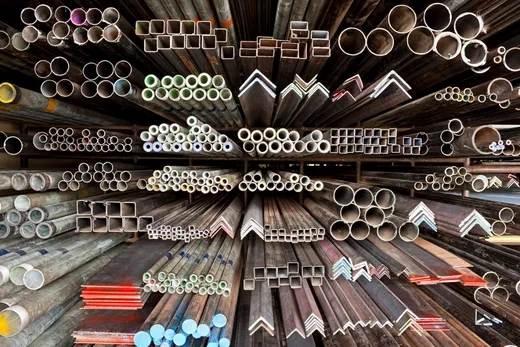
If you don’t know what metal you have, you’re losing money. It’s that simple.
As a stock controller, you need to see what’s on the rack right now. Grade, size, and quantity, both available and committed. No walking the yard to check.
GoSmarter tracks your scrap too, so you know what it costs. You can start reducing it straight away.
Offcuts from previous cuts stay live in stock, not forgotten in the corner. Your planners reach for them before ordering new steel.
If you use MillCert Reader, every stock item carries its full certificate history: grade, heat number, and mechanical properties. GoSmarter links each cert automatically when you receive the material. No manual entry. No missing paperwork.
Less scrap. Better material traceability.
Know exactly what material went into every job — certified, traced, and accounted for. Cut smarter, waste less, and have the evidence when a customer asks.
Why GoSmarter
How it works in practice
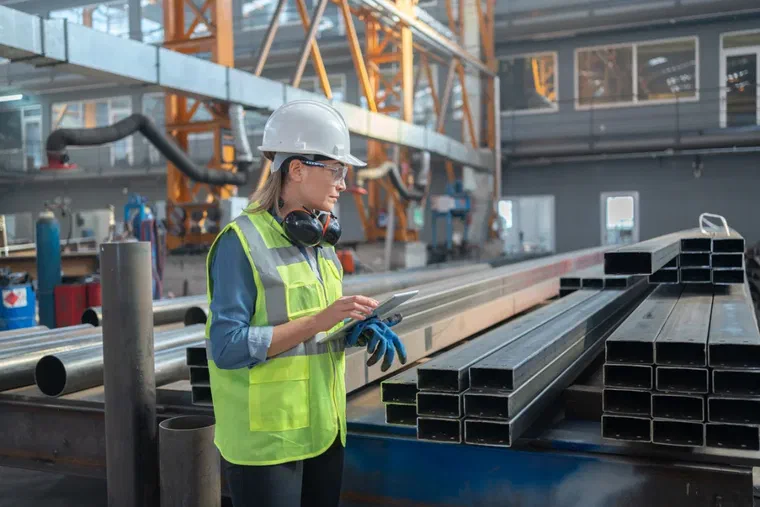
Here is what the process looks like for a stock controller in the first week.
Live before the end of day one.
Certificates link automatically. Nobody types a value from a PDF.
See what's genuinely available, not just what's on the rack.
Always know where material is. No 20-minute yard walkabout.
Reorder while you still have buffer stock, not after production stops.
What Each Role Gets Back
Stock controllers feel the day-to-day benefit most, but the visibility reaches further.
Stock Controllers
Yard Managers
Production Planners
Midland Steel digitalises offcut and scrap tracking to cut waste
Customer Spotlight: Midland Steel
Midland Steel was tracking offcuts and scrap on paper and in spreadsheets, with no easy way to see what material was sitting in storage waiting to be reused.
GoSmarter’s Offcut Tracker and Scrap Weight Tracker apps replaced the paper process. Operators tag and log offcut material as it’s generated, moving it into designated storage for reuse, and log outgoing scrap weight digitally instead of on a clipboard.
- Every offcut tracked by stock tag, bars, length, machine, and diameter
- Scrap weight logged digitally, replacing paper records
- Weekly reviews now use real scrap figures as a key metric
- Better reuse of existing offcut stock instead of buying new material
What's the Payback?
Most customers recover their annual subscription within the first 90 days through reduced administration, lower compliance costs, and fewer quality issues.
Use our free Business Case Calculator to estimate savings from fewer stockouts, lower inventory costs, and less administration. Export a PDF to review savings with your team and then book your demo.
Try it this week
End-to-end traceability in 15 minutes.
One person, one sitting, no IT. Run a real mill certificate through the whole chain and see whether it works for you.
Step 1
Goods in
Upload a mill cert. Create an inventory item linked to it.
Step 2
On the floor
Raise a customer order with a line item. Reserve the stock against it.
Step 3
Goods out
Produce the certificate pack for the order.
Nothing to integrate. If it is not obviously useful by the end, that is your answer.
Common Questions
Does GoSmarter keep an audit trail of inventory changes?
How long does it take to get inventory tracking up and running?
Can GoSmarter track materials across multiple locations?
Can I define my own warehouse, yard, and bin structure?
Does GoSmarter integrate with our ERP or accounting system?
How does inventory link to mill certificates?
Start Tracking Stock in Under an Hour
GoSmarter inventory management is part of the GoSmarter platform, available from the Starter tier. Most teams have their existing stock imported and their first deliveries logged within the first hour. No IT team. No consultant. No migration plan. If you have a spreadsheet with your current stock, you have everything you need to get started. a 7-day free trial.
Implementation is not a project. You log in, upload your stock list, and you are live. Once inventory is running, cert data links automatically at goods-in, so every stock item carries its full certificate history. The Production tier adds AI cutting plans that run against your certified, live inventory. Your process, your data, your control.
Go deeper
- Audit Trails: Why They Matter in Metals Manufacturing — how GoSmarter’s immutable audit trail covers inventory, orders, and certificates end-to-end, and what ISO 9001, IATF 16949, and AS9100 require
- GoSmarter for Metals Operations — how inventory management fits into the full GoSmarter platform
- Scrap, Waste & Yield Optimisation — how smarter inventory control directly reduces material waste and improves yield
- Midland Steel Manufacturing Case Study — how a market-leading rebar supplier gained real-time inventory visibility linked to mill certificates
- Your S&OP Meeting Is Built on the Wrong Numbers — how real-time, cert-linked inventory data de-risks Sales and Operations Planning and eliminates ghost stock
- Manual vs digital inventory tracking: which saves more time? — a direct comparison with worked numbers
Build traceability in. From day one.
Every cert linked to stock at goods-in. Every heat number tracked to despatch. Every audit trail built automatically. Not assembled in a rush the week before an inspection.